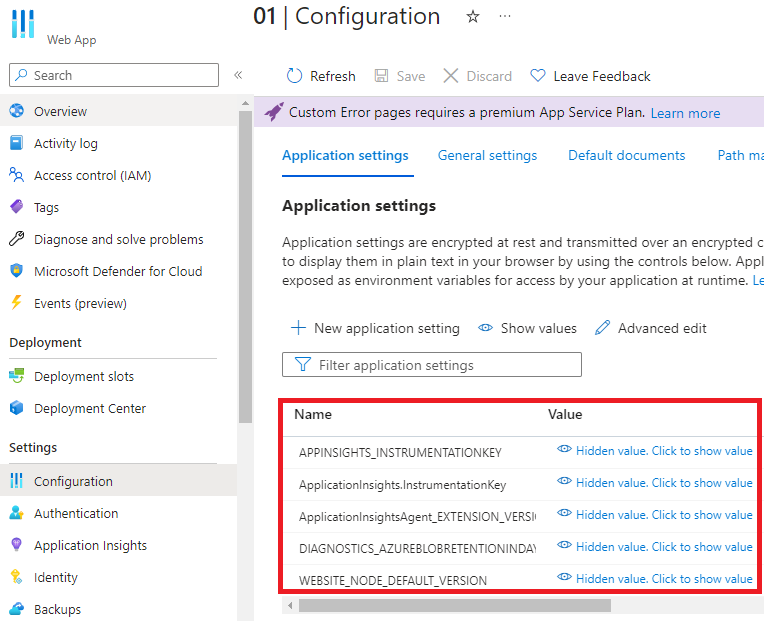
Azure · Configuração · Web App
Modify Azure Web App Application Settings without losing configurations
A little while ago I needed to modify a parameter of the Application Settings in more than 50 Azure Web Apps, and it should be fairly simple with PowerShell, since I would test on a Web App, validate it, and be able to replicate with a few lines of code.
I was mistaken, because unlike the Azure Portal, where I can easily go to the Application Settings and modify one or more parameters, then save the changes without losing any others, in PowerShell it isn’t quite the same.
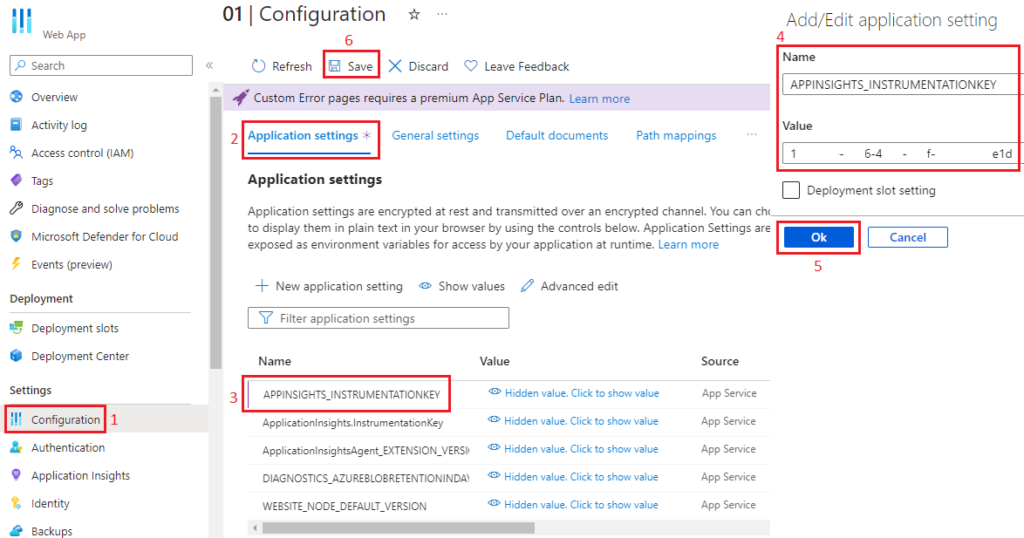
IMPORTANT: When performing modification, removal, or inclusion of parameters and saving, it implies restarting the Web App
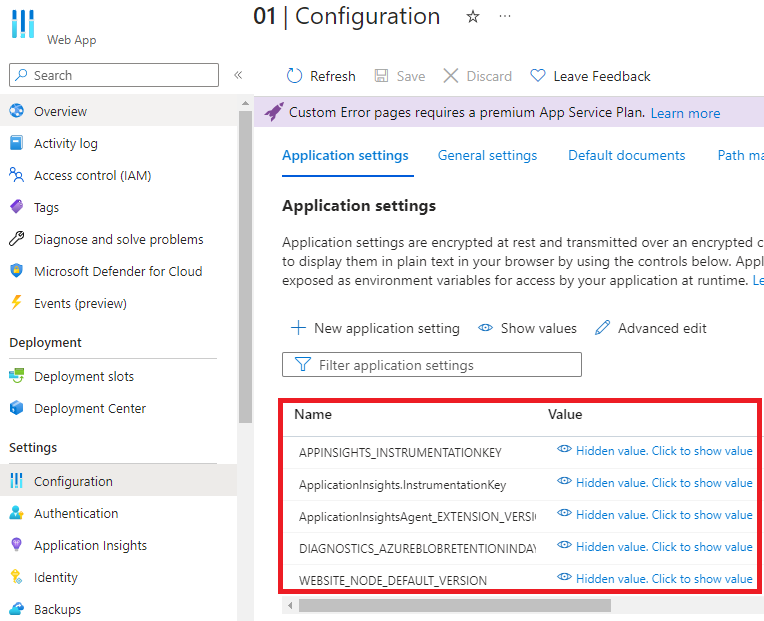
Modifying with PowerShell (wrong way)
To modify with PowerShell, I first connected to Azure using UseDeviceAuthentication and then changed the context to the Subscription I was using.
Next, I created a variable, passing as its value a hashtable

e usei Set-AzWebApp para aplicar a variável e atualizar o valor do APPINSIGHTS_INSTRUMENTATIONKEY
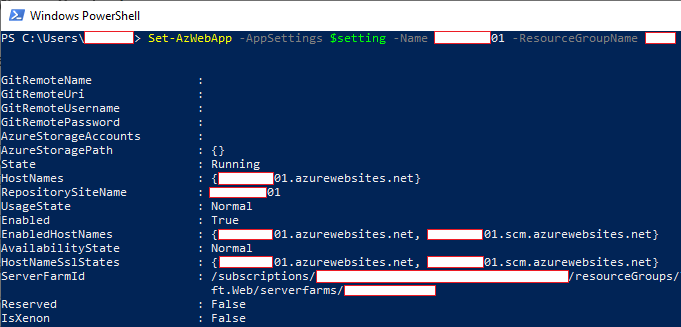
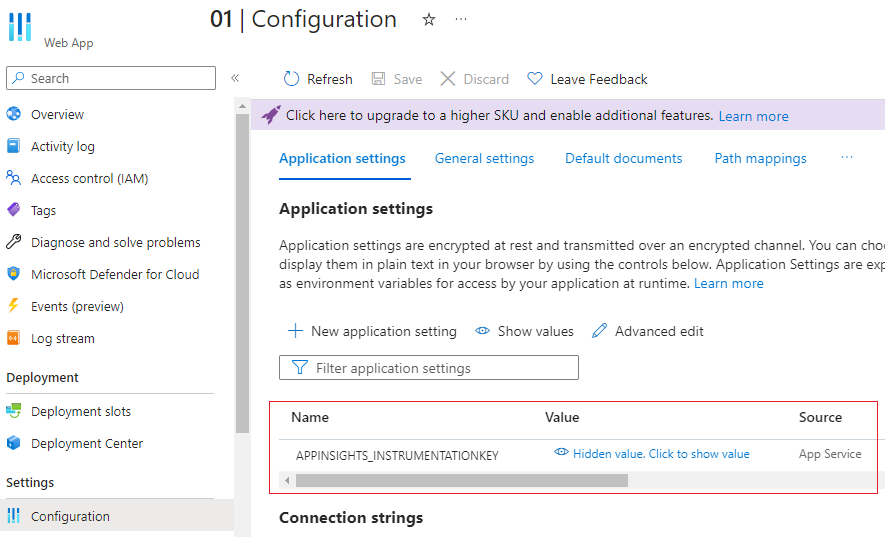
Mas quando fui verificar no Azure Portal, para minha surpresa, todos os outros valores haviam sido apagados
Modifying with PowerShell and keeping existing values
Let’s start by getting the settings of the Web App where we’ll make the changes, in this case the Application Settings

Next, we’ll create an object, which will function similarly to a hashtable, to receive the name and value of this parameter

We’ll perform a check to determine whether the parameter already exists in the Application Settings of the Web App; if it exists, only the parameter’s value is changed; otherwise, the entire parameter will be added to the variable with the configurations we collected at the start of this script
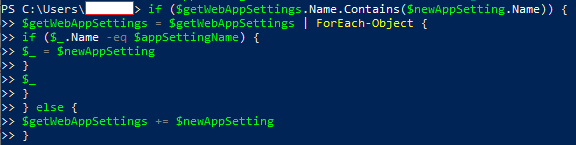
So, we start a variable with values that will be laid out as a hashtable, and we pass and place the name and value of each parameter from the modified variable in the script into the hashtable

And finally, we run the Set-AzWebApp
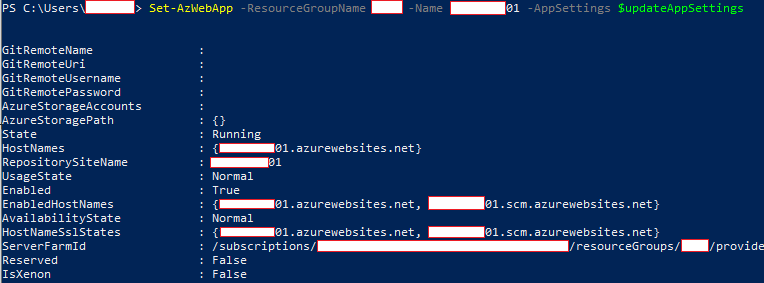
And we finish by verifying the Web App in the Azure Portal